Debug overlay & troubleshooting
A live, in-game overlay for answering "why won't this interact?" without leaving PIE: invaluable while you work, and a "professional tool" signal in a trailer.
The console command
mova.ix.Debug all                 # everything on
mova.ix.Debug off                 # everything off
mova.ix.Debug los points tags gates   # pick exactly what to show
mova.ix.Debug takes any combination of flags. Pass all or off alone to set
everything at once, or list individual flags to show what you're
debugging.
Flag |
Shows |
|---|---|
|
The aimed actor's bounding box. |
|
Line-of-sight rays from the player to candidate interaction points. |
|
The aim line (crosshair trace). |
|
The aim point, as a sphere. |
|
The Interactor's view-angle cone: the field the closest-interactable search considers. |
|
Every interaction point of the aimed actor. |
|
Each target's resolved address, with an |
|
Each gate token with a live PASS / FAIL. |
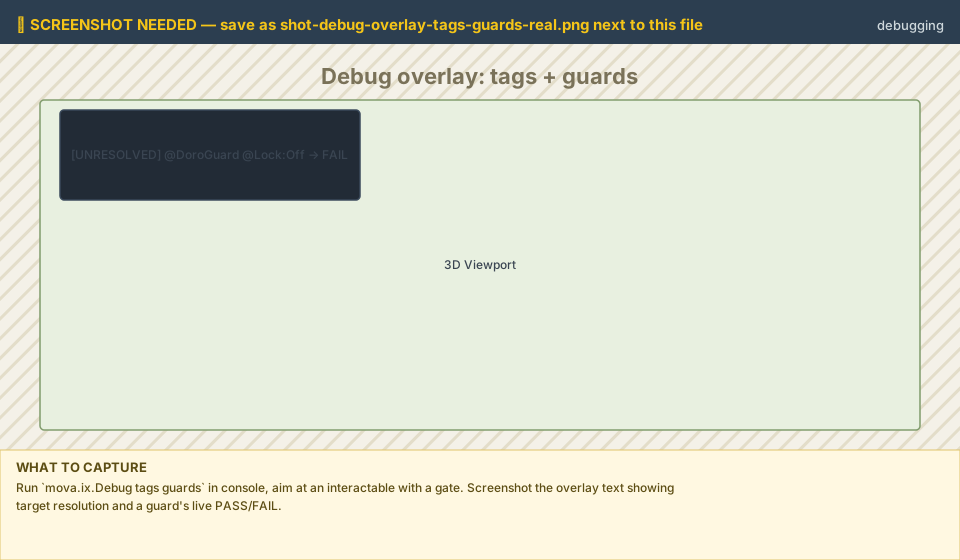
Save the real screenshot as: shot-debug-overlay-tags-gates.png
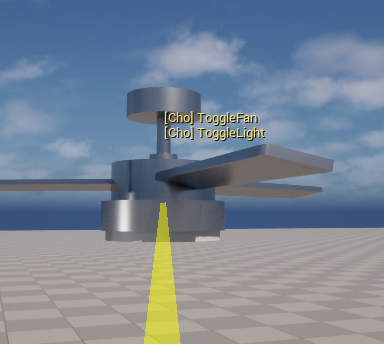
The net-role banner
While the overlay is on at all, a net-role banner (SERVER / CLIENT +
role) is always shown, regardless of which flags are set. This doubles the overlay
as a multiplayer diagnostic view: confirm at a glance whether the machine you're
looking at is the server or a client, and which role it's playing, before chasing
a replication bug that's really a role mix-up.
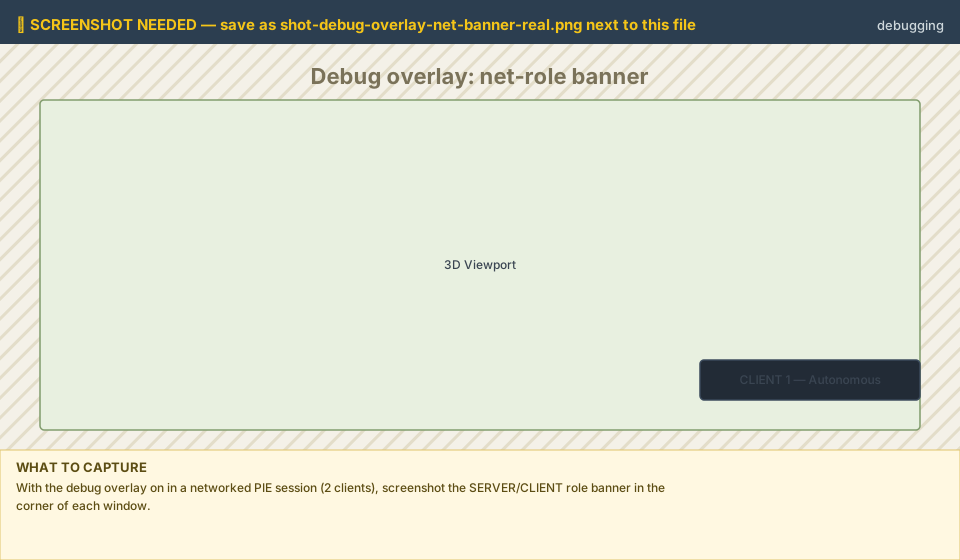
Save the real screenshot as: shot-debug-overlay-net-banner.png
The fastest diagnosis
When an interaction "does nothing," turn on tags gates:
a target shown
[UNRESOLVED]→ the tag names a component the actor doesn't have,a gate shown FAIL → a gate is holding it: check the group's
Gateslist or the condition it's reading,no points at all → the IC has no actions or tags yet.
You'll see instantly whether the target failed to resolve or a gate is holding it FAIL, instead of guessing.
Persistent defaults
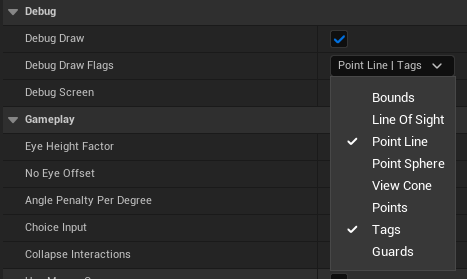
The same flags live under Project Settings → Plugins → Mova Interact → Debug,
so you can set a persistent default (ex: always show tags gates in a debug
build) instead of re-typing the console command every session.
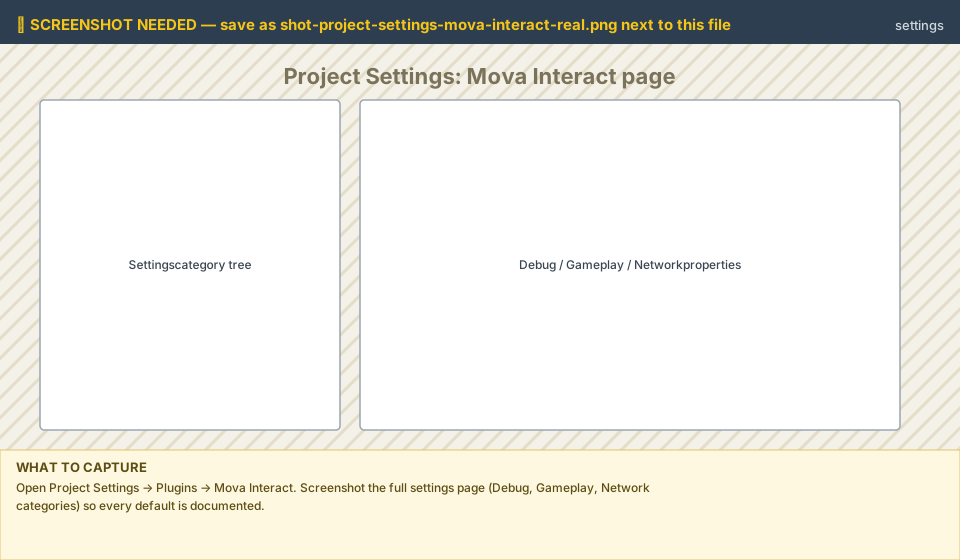
Save the real screenshot as: shot-project-settings-mova-interact.png
Troubleshooting / FAQ
Problem |
Cause & fix |
|---|---|
Client interactions do nothing (multiplayer) |
The interactable's actor must have Replicates on, and clients must trigger via the Interactor ( |
The object has no interaction points |
An IC with no actions and no tags resolves to zero points. Add at least one interaction tag (or a proximity tag): a tag with no matching action produces a phantom point that does nothing. |
Outline highlight not visible |
Enable Project Settings → Rendering → Custom Depth-Stencil Pass = "Enabled with Stencil", and add an outline post-process material keyed on the IC's |
The mesh sinks into the floor when a montage plays |
A montage blend crossfade drops the root. Play the slot animation with 0,0 blend. Prefer procedural keyframes for non-rigged geometry. |
|
|
Nothing happens on press, no errors |
Turn on |
Collapsed multi-choice shows the wrong options |
A component tagged |
See also
Tag Grammar Reference: what
[UNRESOLVED]and gateFAILare actually evaluating.Gates: locks & conditions:
GatesandOnActionRejected,PASS/FAILflow.The IC Control Panel: the validation chips flag most of these before you ever reach PIE.